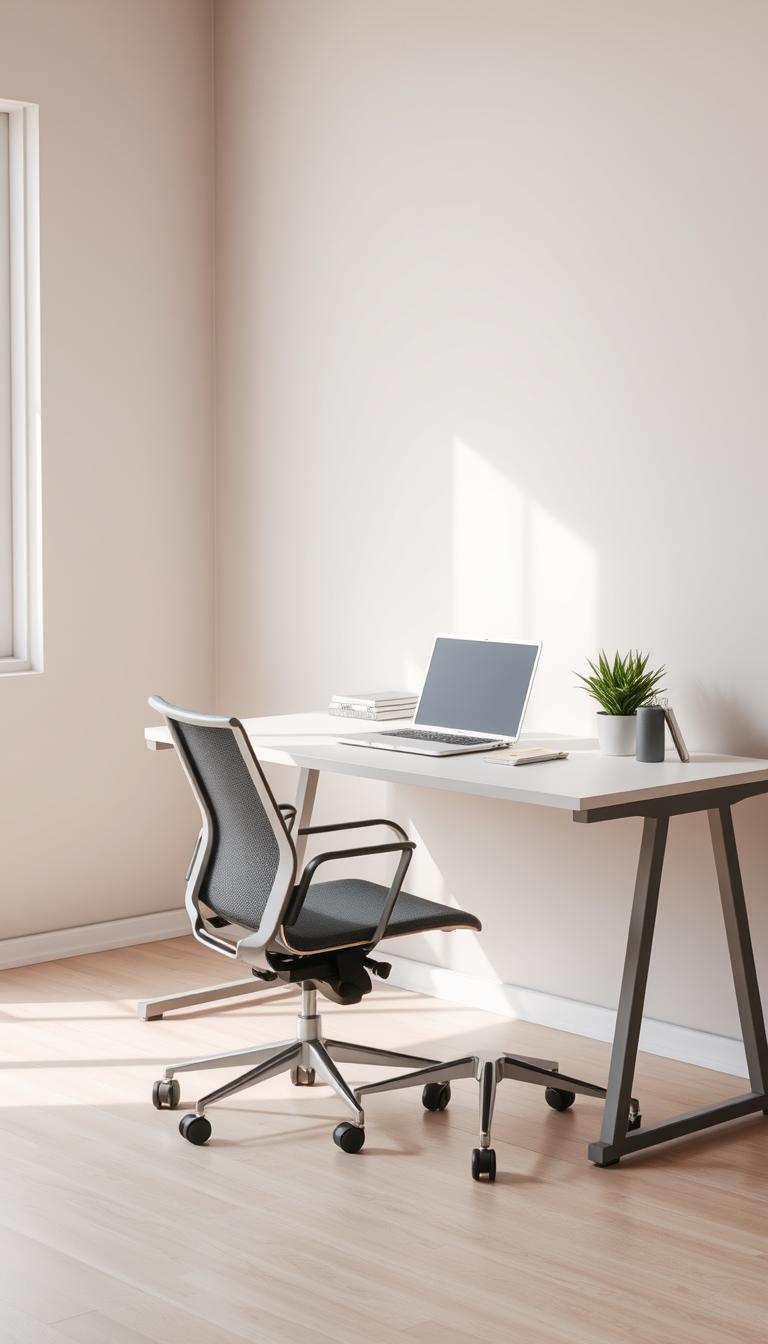
Working from home has its perks—no commute, leggings all day, coffee just how you like it. But let’s be real: staying focused can be a full-on struggle. When your workspace is cluttered, chaotic, or just plain noisy (hi, 43 open tabs), your brain feels the same way.
I’ve been there. I used to have a desktop so messy I couldn’t find half my files, and my phone buzzed non-stop. It felt like I was working in chaos, not on my goals. Sound familiar?
If you’re craving more clarity, calm, and flow in your workday, it’s time to create a digital workspace that actually supports you—not drains you.
This guide will help you build a mindful, distraction-free setup using tools, habits, and routines that make space for focus, creativity, and peace of mind.
💡 What You’ll Walk Away With:
-
Why a calm digital space equals a calm brain
-
Tools that actually work for you (not just because they’re trending)
-
Habits that bring more intention into your daily rhythm
-
A digital environment that helps—not hinders—your focus
-
A healthier, more human way to work
What Is a Mindful Digital Workspace?
It’s more than a tidy desktop.
A mindful digital workspace is one that helps you stay grounded, focused, and feels good to be in. It’s about cutting out the noise and designing your tech life to support your energy—not hijack it.
Think:
-
A clean setup (digitally and physically)
-
Fewer notifications yelling at you
-
Tools that work with you, not against you
-
Routines that protect your time, energy, and sanity
Why Mindfulness in Your Work Life Actually Matters
You’re not a robot. You’re a creative, multi-layered human building something meaningful. Mindfulness helps you:
🧠 Stay focused without the mental ping-pong
💆♀️ Reduce digital anxiety and decision fatigue
🎨 Make space for creativity and aligned ideas
⏰ Use your time and energy with more intention
This isn’t about hustle. It’s about easeful, purposeful work that honors your whole self.
What’s one digital distraction you catch yourself falling into every day? (Social media? Endless emails? Guilty as charged.) Noticing these patterns is the first step to reclaiming your time.
Step 1: Take Inventory of Your Current Digital Life
Let’s start with honesty. What’s working? What’s just noise?
🔍 Common Digital Energy Leaks
-
Notifications popping off 24/7
-
A cluttered desktop with files from 2019
-
Multitasking that leaves you drained
-
Mindless scrolling “just for 5 minutes” (we see you, Instagram)
Ask yourself:
What digital habits are costing me clarity and energy?
🛠 Tools to Track What’s Actually Happening
| Tool | What It Does | Why It Helps |
|---|---|---|
| RescueTime | Tracks how you spend time online | Shows where your attention really goes |
| Toggl Track | Tracks time on tasks | Helps you work smarter, not harder |
| Freedom | Blocks distracting sites/apps | Helps you stay focused and present |
Your move: Pick one of these tools and spend 10 minutes exploring how it can help you uncover your hidden time leaks.
“Knowing how you spend your time is key to making good changes.” — Laura Vanderkam
🎯 Set Aligned Goals
Once you see the leaks, it’s time to patch them. Start small.
Example:
💡 “I’ll check email only twice a day—once before lunch, once before logging off.”
What’s one goal you can commit to this week? Write it down and own it.
Step 2: Streamline Your Digital Tools (So They Don’t Steamroll You)
Too many tools = mental clutter. Let’s simplify.
✨ Pick Tools That Feel Good
Ask yourself:
-
Does this support how I naturally work?
-
Does it play nice with my other tools?
-
Is it easy to use—or does it make me want to scream?
Popular picks that won’t overwhelm you:
Notion • Trello • Asana • ClickUp
Your move: Choose one new tool to try this week — or audit your current stack and ditch what’s not pulling its weight.
🔕 Set Boundaries with Notifications
-
Turn off everything non-essential
-
Use “Do Not Disturb” when in deep work
-
Check messages at set times, not all day
📬 Clean Up Communication Chaos
-
Choose one main messaging platform
-
Set expectations (like response hours)
-
Use threads, channels, or folders to keep convos tidy
Step 3: Create a Routine That Supports You (Not Just Your To-Do List)
Your brain needs structure—and rest.
🧘♀️ Sample Aligned Workday
| Time | Focus |
|---|---|
| 8–9 AM | Morning ritual (movement, mindfulness, planning) |
| 9–12 PM | Deep work (the stuff that matters most) |
| 12–1 PM | Lunch + screen break |
| 1–3 PM | Meetings or light work |
| 3–5 PM | Creative tasks or admin cleanup |
🔄 Don’t Skip Your Breaks
Your brain needs them. Try:
-
Pomodoro (25 min work / 5 min break)
-
Quick walks or stretches
-
Breathing exercises to reset
Helpful tools:
Trello • RescueTime • Freedom
Your move: Pick one break habit to try tomorrow and mark it on your calendar.
Step 4: Declutter Your Digital Life
A messy desktop = a messy mind. Let’s clean it up.
🧹 Tidy Up Files & Folders
-
Organize by project or theme
-
Use clear naming (no more “final_FINAL_revised.docx”)
-
Schedule weekly “digital reset” time
🧺 Simplify Your App Stack
-
Audit your tools—what’s essential?
-
Combine where you can (one tool for notes and tasks)
-
Cancel the subscriptions that aren’t pulling their weight
🎨 Create Visual Calm
-
Use a minimalist background
-
Try dark mode or calming color schemes
-
Organize tabs with OneTab
Step 5: Weave Mindfulness Into Your Workday
You don’t have to meditate for an hour. Start where you are.
🧘 Simple Ways to Stay Centered
-
Start the day with 3–5 deep breaths
-
Use box breathing (4-4-4-4) or 4-7-8 during transitions
-
Do mindful stretching between meetings or tasks
🧠 Mini Mindfulness Practices
-
One-minute breath resets
-
Close all tabs but one—focus on that
-
Choose single-tasking over multitasking
These micro-moments build more joy and less stress into your day.
Your move: Pick one mindfulness practice to add into your routine tomorrow.
Step 6: Let Tech Support Your Focus
The right tech can keep you present—not pulled in a million directions.
🔒 Use Focus Apps
-
Freedom – Block the digital rabbit holes
-
StayFocusd – Set time limits for sites (Chrome extension)
-
Forest – Grow trees by staying off your phone 🌳
🗓 Plan with Intention
-
Google Calendar or Outlook to time-block
-
Schedule breaks and mindful moments
-
Use alerts to remind you to pause, not just hustle
🎧 Curate Your Sound
“Silence is not the absence of sound, but the presence of focus.” — Unknown
Step 7: Don’t Go It Alone—Build Support Into Your Work Life
You don’t have to white-knuckle your way through remote work.
🤝 Build Connection
-
Set up regular check-ins with your team (or biz besties)
-
Use tools like Slack, Zoom, Loom for async sharing
-
Create space for open convo, real talk, and encouragement
🧘♀️ Practice Mindfulness Together
-
Start meetings with 60 seconds of breath or intention
-
Share your favorite mindful practices or focus hacks
-
Pair up for accountability or support
Step 8: Review and Adjust Regularly
Your needs will change. So should your setup.
🧭 Do a Weekly or Monthly Check-In
Ask:
-
What’s feeling heavy or clunky?
-
What tools or habits aren’t serving me anymore?
-
Where can I bring in more ease?
🔁 Tools to Support Your Review
| Tool | What It Does | Why It Helps |
|---|---|---|
| Trello / Asana | Check on tasks + projects | Keeps things on track and out of your head |
| RescueTime | Time audit | See where your energy goes |
| CleanMyMac X / CCleaner | Declutter your system | Keeps things smooth and speedy |
Final Thoughts: This Is Your Digital Space
You deserve a workspace that feels calm, aligned, and true to you.
This isn’t about doing more.
It’s about creating space to do what matters—without the chaos.
🌿 Long-Term Wins:
-
Less overwhelm
-
More peace + clarity
-
Better creative flow
-
Stronger boundaries
-
A rhythm that supports you
Your Next Move:
-
Pick one step from this guide and take one action today.
-
Set a weekly reminder to review your digital setup.
-
Share this post with your remote-work bestie or team.
Mindful productivity isn’t about squeezing more in. It’s about showing up for your work—and your life—with calm, clarity, and intention.



Leave a Reply